This is for AI animators who like to level up their editing skills.
The BBC Editor's playbook 93% of AI animators never see
Watch a two-hour paid workshop by an award-winning BBC editor. Learn the exact steps on how to use DaVinci Resolve.
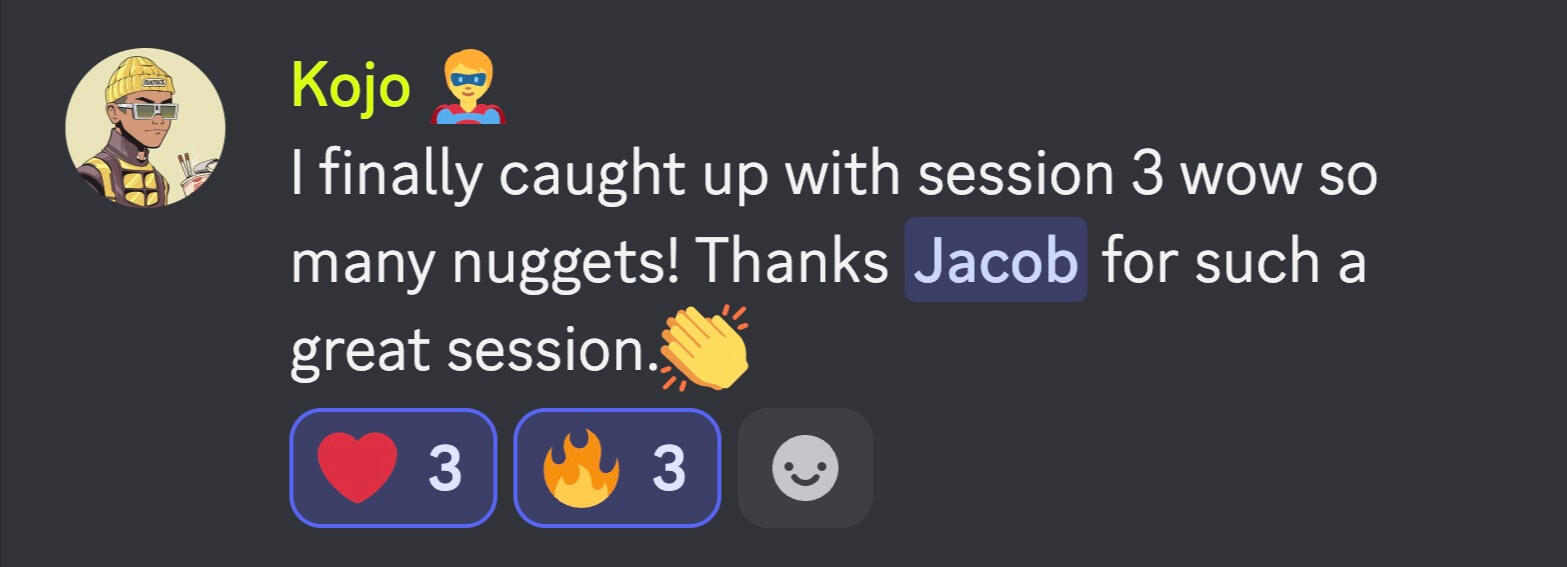
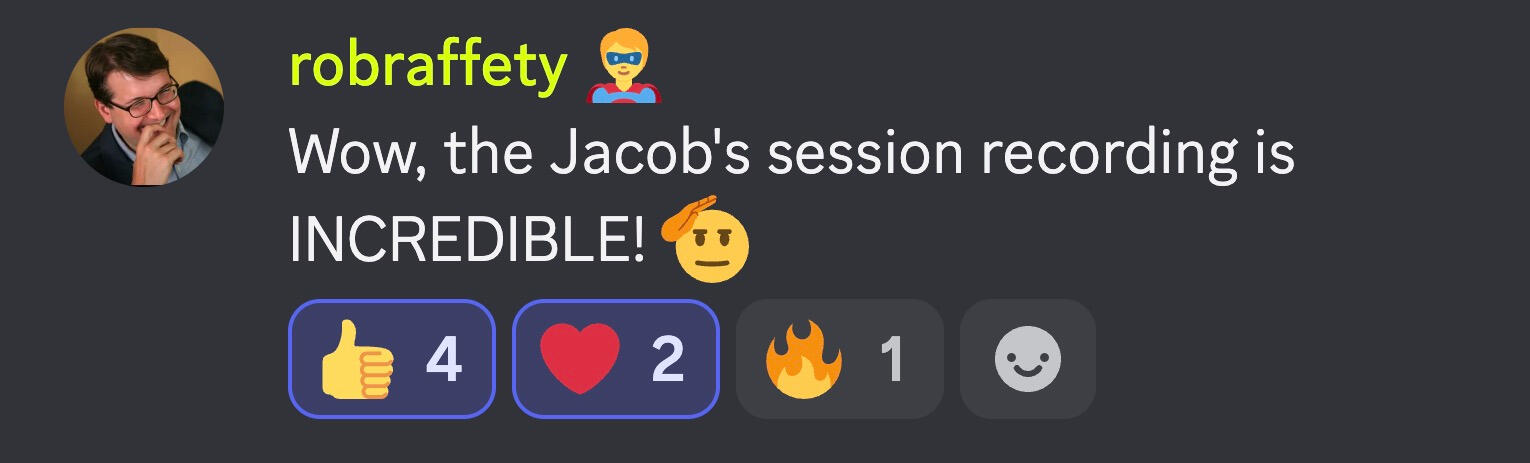
“I finally caught up with session. Wow, so many nuggets! Thanks, Jacob, for such a great session.” - Kojo
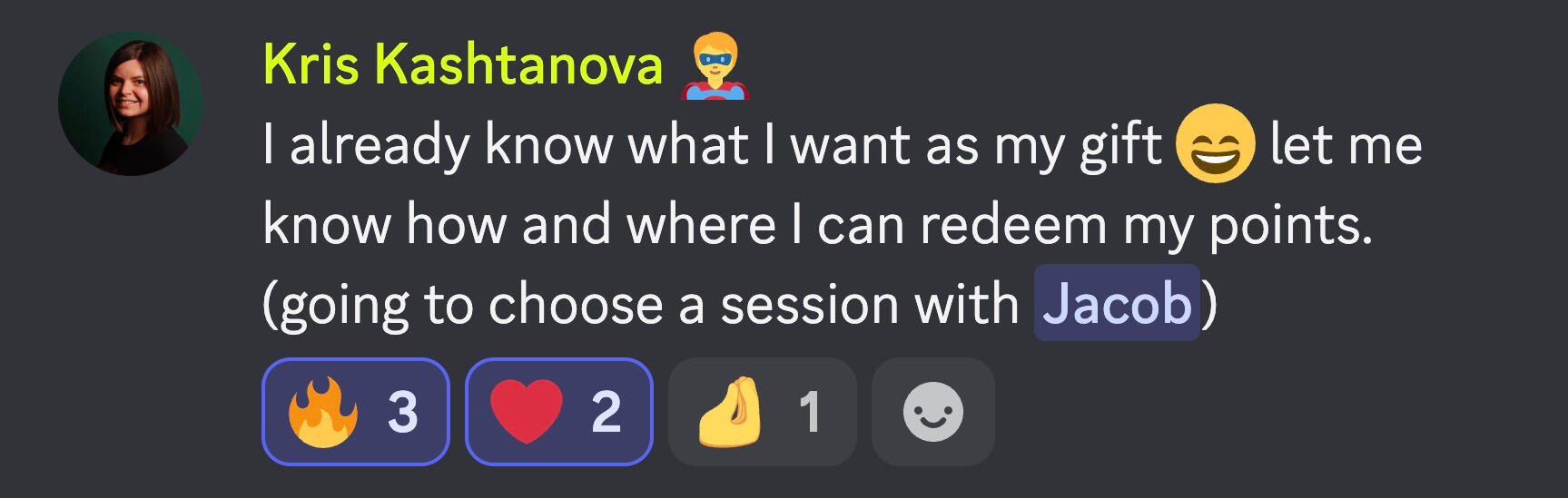
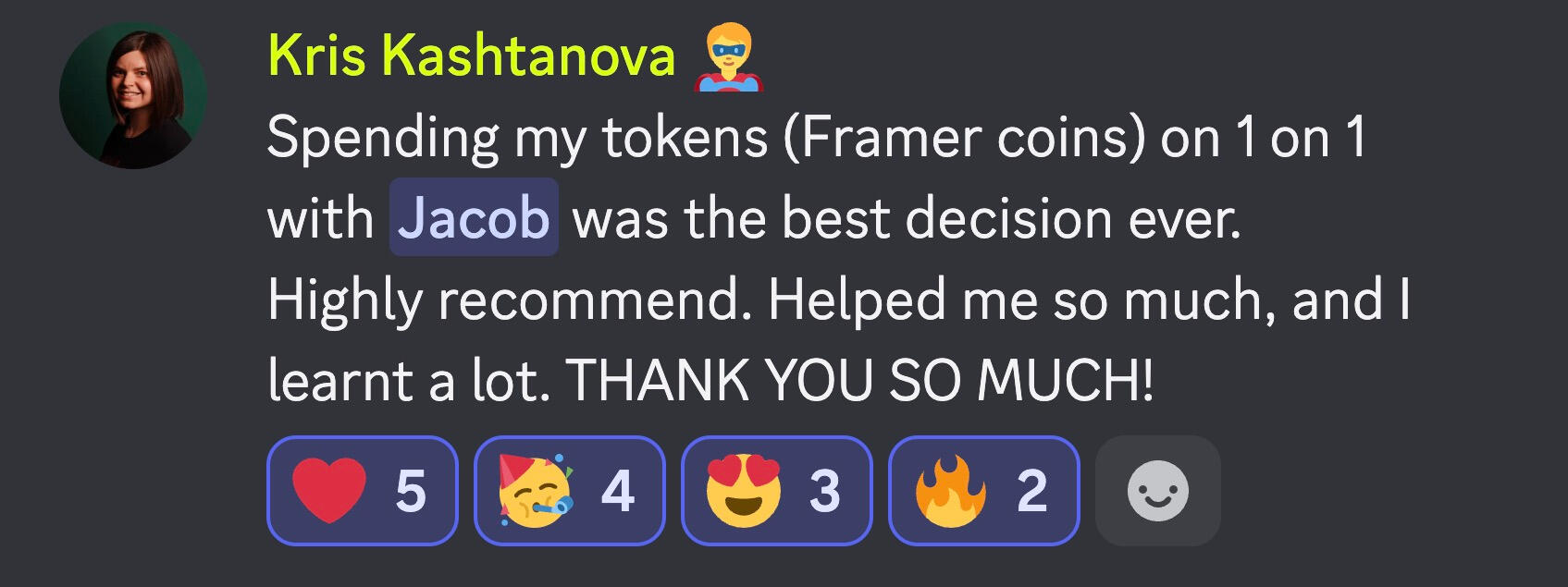
“A 1-on-1 with Jacob was the best decision ever. Highly recommend it. It helped me so much, and I learned a lot. THANK YOU SO MUCH!” - Kris Kashtanova
I’ve been hiding something.
And today I’ll come clean.
I promise my secret will improve your AI animations for good.
Every viral video from me has gone through one more pair of hands. His name is Jacob, and he is my editor.
You might remember the name.
He won the biggest Cartoon Hero contest, and his win was no accident.
People couldn’t stop watching.
What made him unique…? His editing.
He perfected his craft editing for the BBC. He used those skills to dominate the Cartoon Hero contests.
And now Jacob is my lead editor.
But here’s the best part: Jacob hosted an exclusive 2-hour workshop.
Inside, he showed participants how to edit like real pros.
And trust me, once you learn this, your work starts looking a lot more attractive to studios.
This is not the kind of workshop where Jacob just tells you what to do while you sit and listen.
Instead, he walks you through exactly how he approaches a real editing project.
Let’s take a closer look at what you can expect.
What you’ll learn inside the recording
Jacob shares his screen, opens DaVinci Resolve, and builds a real scene from raw AI clips.
→ How to set up a project the right way so you can focus on creativity.
→ How to turn loose clips into a scene that tells a story, and where to cut so it breathes instead of dragging.
→ How to rescue shots that don’t match with reframing, cropping, and speed changes.
→ Then, color: matching your AI shots so the whole film looks like it came from one camera.
→ How to export it without ruining everything you just made.
→ Jacob shows you how to get DaVinci Resolve for free before you cut a single frame.
→ And at the end, Jacob answers questions from the live workshop.
These two hours will be the difference between making AI clips and making real films.
Who is this for
You already know how to generate animations and scenes.
This is for the serious AI animator who wants to learn editing from a BBC pro.
I’m going to be honest with you. If you’re a complete beginner and have never generated a single scene, you should skip this workshop.
But if you’ve fallen in love with AI animation like I have.
And you want to build a portfolio of amazing cartoons and sharpen your animation skills.
This is a must-attend workshop.
Recording: Provided instantly after purchase. Watch it anytime.
How long: 2 hours.
Price: $49.
Software: DaVinci Resolve (free), Mac and Windows
Frequently Asked Questions
What if I’ve never used DaVinci Resolve before?
Perfect. We’ll start from the very beginning, including installation, the interface, and creating your first project.
I’m already editing in CapCut. Do I still need this?
CapCut is fine. But if you want more creative control and professional-looking results, DaVinci Resolve is the next step.
Can’t I learn DaVinci Resolve for free on YouTube?
You can. But you’ll spend hours jumping between tutorials that use completely different workflows. This masterclass is a focused, step-by-step guide built specifically for editing AI animations.
Is DaVinci Resolve paid?
No. The software is free. You’re paying for an evening inside the mind of the editor behind our videos.